dog
A command-line DNS client with colorful output and support for modern DNS protocols.
dog is a command-line DNS client that replaces the traditional dig tool with a more user-friendly interface and modern features. It provides human-readable command syntax, colorized terminal output for easy reading, and support for DNS-over-TLS and DNS-over-HTTPS protocols for enhanced privacy and security.
The tool supports all standard query types (A, AAAA, MX, NS, SOA, and more) with flexible options for custom nameservers, UDP/TCP protocol selection, and EDNS configuration. It can output results in JSON format for scripting, features a short mode for displaying single results, and includes IDNA domain processing capabilities.
dog works well in scripts, one-liners, and interactive queries, making DNS inspection more accessible and enjoyable than traditional command-line DNS tools.
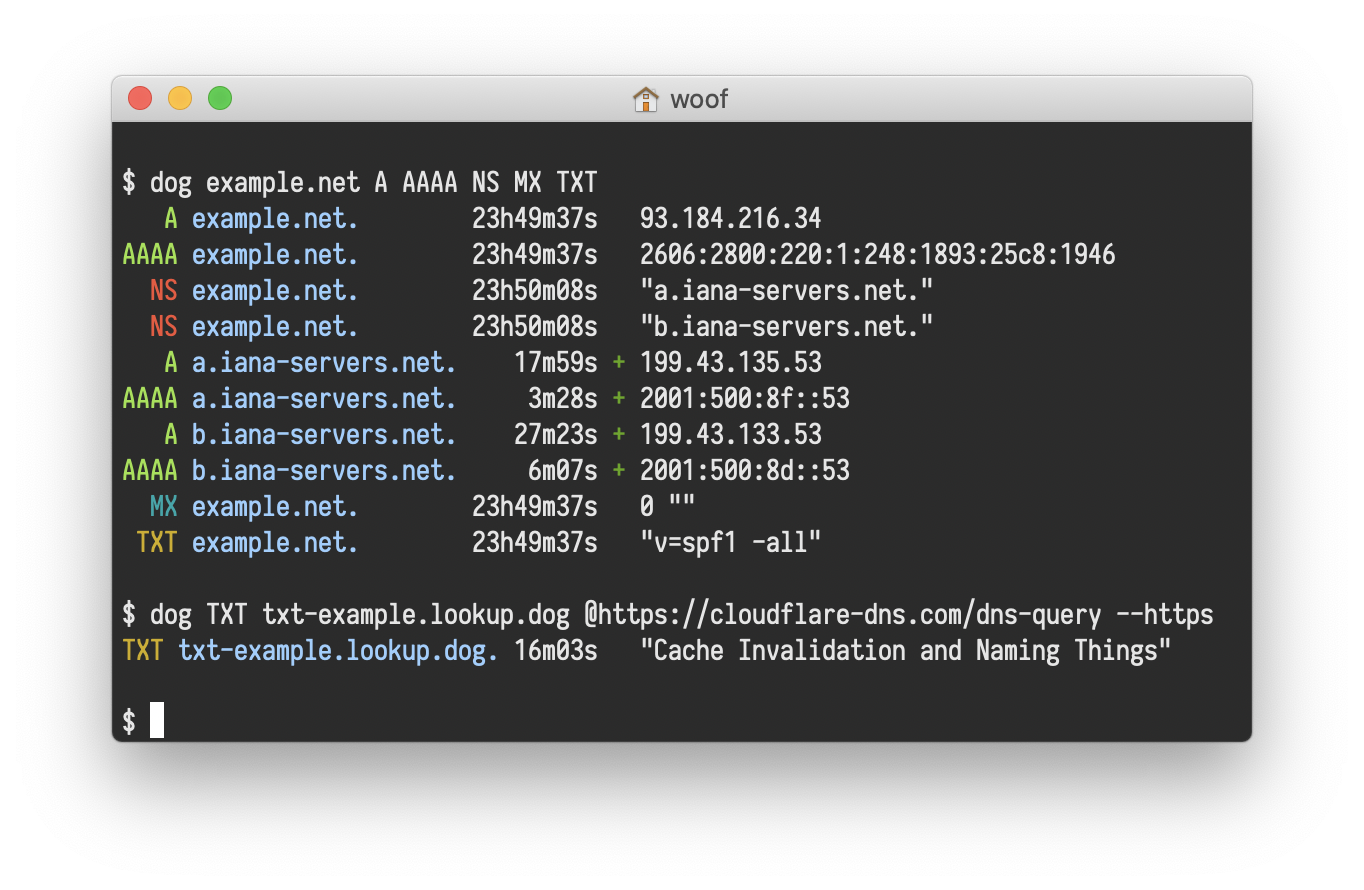
Basic usage
# Query a domain using default nameserver.
dog example.com

# Query using a specific nameserver.
dog example.com @8.8.8.8

# Query with a specific record type.
dog example.com MX

# Output results in JSON format.
dog example.com --json

# Query over DNS-over-HTTPS.
dog example.com --https